
By Savvas Bout, Founder of Prefixx. Last updated 10 September 2026.
Running workloads on AWS with your own IP addresses sounds straightforward. However, there is the matter of AWS BYOIP requirements, including a minimum of a /24 block, a good routing history. A signed Route Origin Authorization and confirmation from the appropriate Regional Internet Registry that your organization actually controls the given IP space.
The registry confirmation step verifies ownership for authentication purposes before AWS will accept the address space into your account. The registry also verifies that autonomous system numbers associated with the prefix align with your organization's registration records.
This process rewards engineers who understand what the Registry actually checks and what Amazon VPC's provisioning workflow expects.
This guide goes through the entire process of working with AWS BYOIP, which includes choosing and verifying the prefix for your IP addresses, creating ROAs, importing address pools.
We explain the more complex parts of the process of working with registries, managing your address range, and routing, and also provide you with some options for how to get specialist help if you need it. We start with the basics: an explanation of what BYOIP actually is, and why AWS has created this feature.
What AWS BYOIP is and why it exists
AWS BYOIP enables organizations to bring their own publicly routable IP addresses into their AWS account, and have them advertised by instances running in EC2, or in VPCs and subnets. The service covers both IPv4 and IPv6 address space, and was launched in late 2018.
Can you use your own IP address range in AWS?
Yes. AWS uses AWS BYOIP to allow you to allocate your IP address ranges within AWS and then have AWS use BGP to advertise those ranges to enable traffic to reach into your EC2 instances running there. So your EC2 instances will run on the same IP address range that your customers and others using services in your cloud will use to communicate with services running there on your behalf.
Also, note that your block must be of minimum size that AWS accepts which is /24 for IPv4 and /48 for IPv6.
Why organisations choose to bring your own IP address range
Three business drivers push teams to BYOIP over native Elastic IPs:
- IP reputation continuity. A sender with a clean sending history (in the block) will keep that history. Using AWS-assigned IP addresses will reset that history.
- Allowlist stability: Allowlists for legacy APIs, payment gateways and partner firewalls typically consist of a list of static addresses. Changes here typically trigger change control across organizations.
- Cost control, currently Elastic IPs are charged on an hourly basis when unattached. By owning the block of IP Addresses, this variable cost can be removed.
Where BYOIP applies inside AWS
This feature is available for Amazon EC2 and Amazon VPC. Once you have provisioned the import feature for your given range of IP addresses, each resulting public IP address can be used as normal (i.e. they can be assigned to instances, to a load balancer, to a NAT gateway, etc.).
As the teams at Prefixx prepare the LOA, RPKI ROA, and IRR route objects, each with a valid expiration date, required before announcing the range to AWS, the paperwork should not act as a bottleneck. However, the most important factor is that the IP address block satisfies the set of hard requirements enforced at the account level by AWS, and that work begins to progress through the required steps for the range to be allocated. Each field in the LOA and ROA templates must be completed accurately, leaving no field at its default value to ensure the registry accepts the submission. The registry will verify that the distinguished name in the certificate matches the organization's records before processing the authorization.
When a field is left blank, the registry's automated validation will reject the document and require resubmission with all mandatory fields properly completed. The templates span quite a few fields, and each one plays a role in the registry's validation logic. The ROA defines which autonomous system is authorized to originate the prefix, and the registry validates this binding during the submission review. The successful creation of these documents depends on careful attention to each required field and alignment with the registry's validation requirements. The registry will validate control by cross-referencing the submitted authorization against the organization's current registration records to confirm legitimate authority over the prefix.
Requirements and quotas before you start
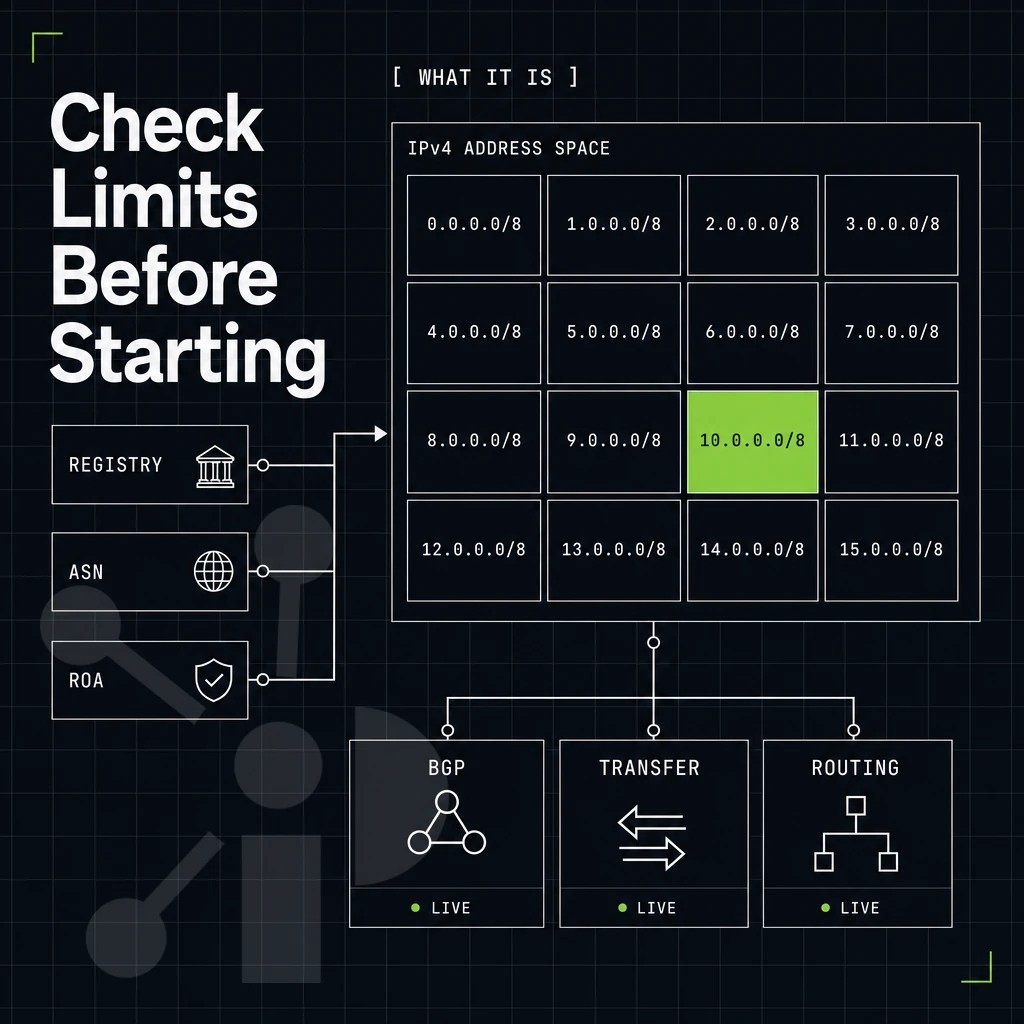
Before you can advertise your own prefixes using AWS services such as Amazon Route 53, you must first meet a number of strict criteria. It is worth knowing what these restrictions are, such as address range limitations, in order to avoid discovering some restriction too late in the provisioning process. Once these criteria are satisfied, you can advertise BYOIP cidr blocks through the AWS console or command-line interface to begin routing traffic to your resources.
What does BYOIP mean for your IP address?
BYOIP stands for "Bring Your Own IP." This option allows a customer to advertise their own publicly routable IP addresses within a cloud provider's network. This means instead of using an IP block of addresses assigned to them by the cloud provider, a customer can use their own block of IP addresses that they own and registered through an american registry. This capability is particularly valuable for enterprises with established IP reputation, allowing organizations to maintain continuity when migrating workloads to the cloud.
The registry through which addresses are registered is typically determined by the geographic region or country name associated with the organization's operational headquarters. Organizations migrating from on-premises infrastructure can preserve their existing IP addressing scheme, simplifying the transition for legacy applications that rely on hardcoded IP configurations.
IP address range and space requirements
To provision an IP address space in AWS, the space must meet several conditions. The minimum size of a block of IPv4 addresses is /24. The space must be registered with a RIR (Regional Internet Registry) such as ARIN, RIPE NCC or APNIC. Additionally, if the space is held by a local Internet Registry (LIR), the LIR’s upstream RIR record must clearly show that space to be owned by the organization.
AWS does not allow individuals to apply for BYOIP. If the applicant is currently advertising the block, onboarding the block for use in AWS will fail.
IP address quotas per AWS region
AWS allows up to 5 BYOIP addresses per account per Region, in total (IPv4 + IPv6 ranges). The quota for BYOIP addresses is fixed and cannot be increased by AWS Support. A /24 prefix is specific to an AWS region and cannot be brought into one Region and then advertised in another Region with the same IP space.
If your organization is looking for coverage in multiple regions of the world, you can run the following command to confirm that you'll likely end up with a separate, non-overlapping IP range of IPv4 blocks for each region. So be sure to plan out your block inventory in advance of starting the onboarding process. The command will display information about your available address blocks, and you should review the following output to ensure each region's allocation meets your deployment needs.
Prefixx can source all suitable, transfer-ready IPv4 address space across the ARIN, RIPE NCC and APNIC regions, facilitating the planning of your multi-region deployment requirements.
The two-phase onboarding process explained
AWS BYOIP onboarding is a two phase process. Phase 1 completes the tasks needed to ready your address space for transfer to AWS, and in Phase 2 it is provisioned in the AWS cloud.
Phase 1: IP address preparation
- To generate a private key and X.509 certificate, you can run the following command in your terminal. This will generate an RSA key pair and a self-signed certificate. The certificate will then prove you to be in control of the respective address block. In terms of acceptance by AWS, a 2048-bit or greater key is sufficient.
- Uploading your certificate to your local RIR’s resource database. Log into your registry portal (e.g. ARIN for North American space of assigned numbers) and add your X.509 certificate to the appropriate RDAP record for the relevant prefix or set of assigned numbers. This allows the certificate to be tied to the registered resources.
- Create a Route Origin Authorization (ROA). The global routing system uses a Route Origin Authorization to verify that the ASN that originated a given prefix is also permitted to originate that prefix. So, you need to create an ROA object for your own ASN and for Amazon's ASN as well. If you don’t do this, AWS won’t be able to safely advertise your range.
Note: When prompted to enter PEM pass phrase during key generation, store that passphrase securely. You will need it to sign the message in Phase 2. When you later sign the authorization message, you will be asked to enter pass phrase to unlock the private key for cryptographic operations.
Phase 2: provisioning and IP address assignment
- AWS verifies a signed message. A signed message is a very short payload that includes a prefix and an account ID of the sender. The message is signed with the sender’s private key. AWS then verifies the signature to make sure the sender really is the owner of the address space before granting permission for the CIDR.
- The prefix will go into a pending provision state while provisioning of the CIDR is in progress. Upon successful provisioning of the CIDR it will go into a provisioned state and reflect the status change in the EC2 console.
- Once provisioned, your assigned BYOIP CIDR can be assigned to an Elastic IP pool and announced via AWS Global Accelerator. The CIDR can then be advertised.
What is the minimum block size required for AWS BYOIP?
You should bring the exact prefix that you registered at your RIR, as AWS will reject a sub-range that does not match the ROA object. With provisioning complete you can now start to put the address pool to work in your account.
Creating and advertising your IP address pool in AWS
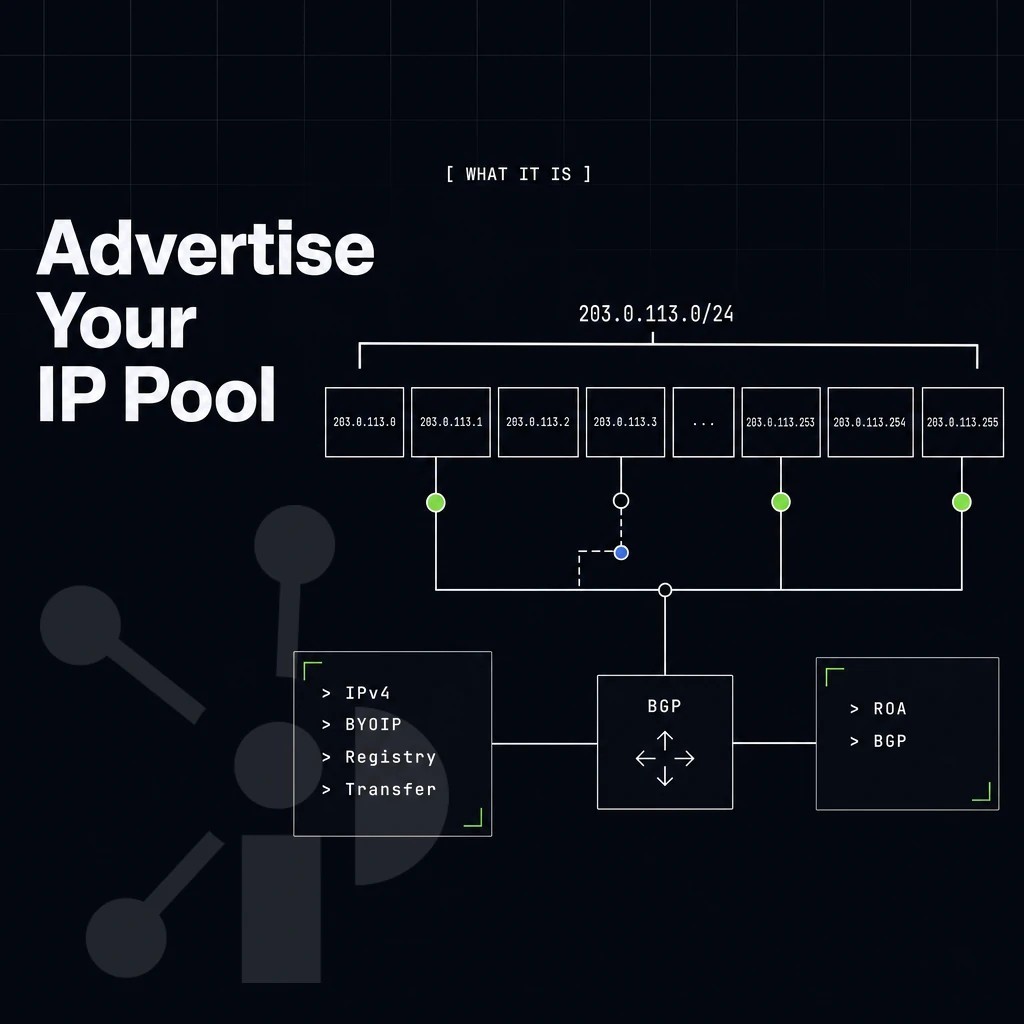
When your provisioned CIDR is accepted by AWS, it is reflected in the console as an address pool in a Region of your choice. From there you can advertise the CIDR block's address range to the Internet, and then begin to assign IP addresses to your instances and other workloads.
Each public IP address drawn from the pool can then be attached to resources such as EC2 instances or load balancers within that Region. The pool remains in a provisioned state until you explicitly advertise BYOIP cidr through the console or command-line interface.
Advertising the BYOIP cidr IP address
Advertising is a deliberate, manual step. You call AdvertiseByoipCidr via the AWS CLI or Console, and AWS advertises the IP address prefix to the internet through its own BGP infrastructure. You do not manage BGP sessions yourself. AWS handles the announcement on your behalf once advertising is enabled. The IP address prefix remains under your organization's control even as AWS manages the BGP announcement mechanics.
In the meantime, AWS is listed as the authorized origin AS for the given IP prefix while it is provisioned here. The AWS account ID used for the provisioning of advertising and withdrawal of resources is the account ID of the AWS account you used.
Allocating addresses to AWS resources
Once the desired address range has been advertised, you can go ahead and allocate the required amount of Elastic IPs from the pool, instead of relying on Amazon’s default inventory. These Elastic IPs will be drawn from your BYOIP block and can be used to attach to EC2 instances, network load balancers and/or NAT gateways within a VPC in Amazon.
The traffic will continue to be terminated at AWS.
Does AWS BYOIP work with IPv6 as well as IPv4?
AWS also supports BYOIP for IPv6. Authorization and provisioning for IPv6 BYOIP follows the same patterns as for IPv4 BYOIP, with the note that IPv6 BYOIP addresses are not assigned as Elastic IPs, but instead are added directly to the VPC’s subnets.
Deprovisioning the Amazon vpc address range
Withdrawing is the reverse sequence. First, release all Elastic IPs allocated from the pool. Then call WithdrawByoipCidr to stop the BGP announcement. Finally, call DeprovisionByoipCidr to remove the block from your account entirely. The range returns to your full control and can be provisioned elsewhere. Underpinning all of this is the RPKI layer that makes the routing authorization cryptographically verifiable.
Resource public key infrastructure and ROA objects
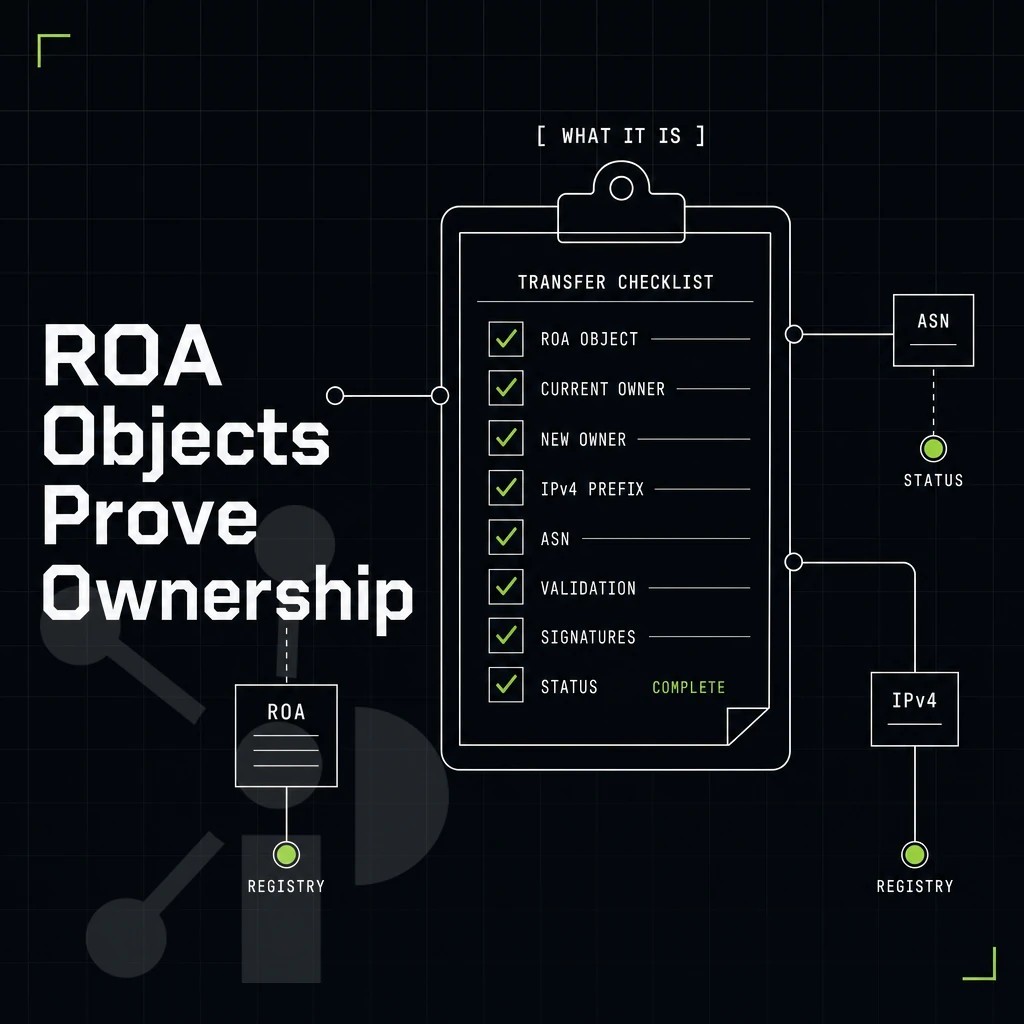
The cryptographic mechanism which binds IP addresses to their respective owners and restricts the number of Autonomous Systems (ASes) which can originate routes for a given IP address range is RPKI (Resource Public Key Infrastructure) using ROAs (Route Origin Authorizations). The requirement for a valid ROA must be fulfilled before submitting a BYOIP range for provisioning by AWS.
What an ROA object contains
An ROA specifies 3 items: the address range of IP addresses authorized for transfer; the longest prefix that may be advertised from these IP addresses; and the ASN(s) authorized to originate these IP addresses. Thus a /22 ROA with maximum length of /24 would authorize announcements of /24 or shorter (i.e. “disaggregated” announcements down to /24) but not /25 or more specific announcements.
The ROA also has an expiration date. We validate the ROA that you provided when you provision a block and, for example. A block of IP address space that you provided via ROA that has already expired or will expire prior to the close of our provisioning window will not be provisioned.
Authorizing your IP address space for AWS
You get a certificate request for your resources (to bind them to a cryptographic key). Then you go to your RIR's portal and create an ROA (Route Origin Authorization) there, listing your IP address range alongside the ASN of authorized origin (in this case: AWS, 16509 and 14618).
- Set the maximum length to match your planned announcement granularity.
- Set the validity period far enough into the future to cover your anticipated provisioning time plus some additional time.
- Publish a complementary IRR route object to ensure that all downstream networks can accept the announcement consistently.
What happens when the ROA is wrong
Missing ROA, wrong ASN in ROA are rejected by AWS for BYOIP request. To ensure all records are prepared consistently, to be approved by the internet numbers authority and AWS in due course, the necessary ROA, IRR route objects and LOA are prepared by Prefixx’s team of experts.
Where Prefixx fits into the AWS BYOIP workflow
Sourcing a qualifying IP address block (registered with a supported regional internet registry) for the AWS BYOIP onboarding process and getting the routing to work for the related paperwork typically takes teams a lot of time. Prefixx handles this for you.
- We deal with vetted address space from all the RIRs. We act as brokers for /24-to-/16 blocks of IP address space. We deal with ARIN, RIPE NCC, APNIC, LACNIC and AFRINIC. Tixx quality control checks for ownership, transfer eligibility, black lists and routing quality before the IP address range is handed over to the buyer.
- ROA, LOA and IRR for you. The RPKI ROA object, Letter of Authorization and IRR route objects for your AWS account. BYOIP prerequisites satisfied for you. No more RIR portals to navigate by yourself.
- Lease instead of buying if you’re not ready yet. Leased IPv4 space comes with a non-revocation guarantee, includes RPKI, LOA and reverse DNS, and is provisioned within 24 hours.
- BYOIP deployment support included. We support cloud BYOIP programs on AWS, GCP, Azure, OCI and Cloudflare to enable your Bring Your Own IP workflow. This enables your routing to proceed without delay.
If you need a clean, RIR-registered IP address range ready for the AWS BYOIP provisioning phase, explore our BYOIP service or contact our consultants to discuss your address space requirements. The checklist below distills everything covered in this guide into the essentials your team needs before go-live.
Key takeaways for teams planning an AWS BYOIP deployment
AWS BYOIP works when the foundation is solid. Your IP address range must be at least a /24, registered to a business or institutional entity, and backed by a valid ROA object before AWS validates your signed message. Each AWS region enforces a quota of five BYOIP CIDRs, so plan your address space allocation accordingly. The RDAP record in your RIR resource database must match your AWS account ID exactly.
Owning or leasing a clean, transfer-eligible IP block is the prerequisite that decides whether the bring your own IP onboarding process runs smoothly or stalls. Prefixx prepares the LOA, RPKI ROA, and IRR records on your behalf, so your address range arrives at AWS ready to provision.
AWS BYOIP gives you full control over your IP reputation, geolocation, and routing continuity inside the AWS ecosystem. The process has two hard prerequisites: a valid ROA signed under your RIR and a signed authorization message that proves you own the IP address space. Get either wrong and the onboarding stalls at the provisioning step. RPKI is not optional here, it is the foundation the entire process builds on.
If your IP address block is not yet RPKI-signed, or if you need LOA and IRR route objects prepared before you submit to AWS, Prefixx handles that paperwork end to end. The team prepares the ROA, LOA, and IRR objects on your behalf, so you arrive at the AWS console with your CIDR successfully provisioned and everything already in order. Reach out to Prefixx to get your address space transfer-ready and routing-clean before you start the provisioning process.
Contact us to discuss your IPv4 needs today
No hidden fees, free consult. A broker replies within one business day.